

Charts
When a visualization is the clearest way to show something, Answers builds an interactive chart directly in the conversation.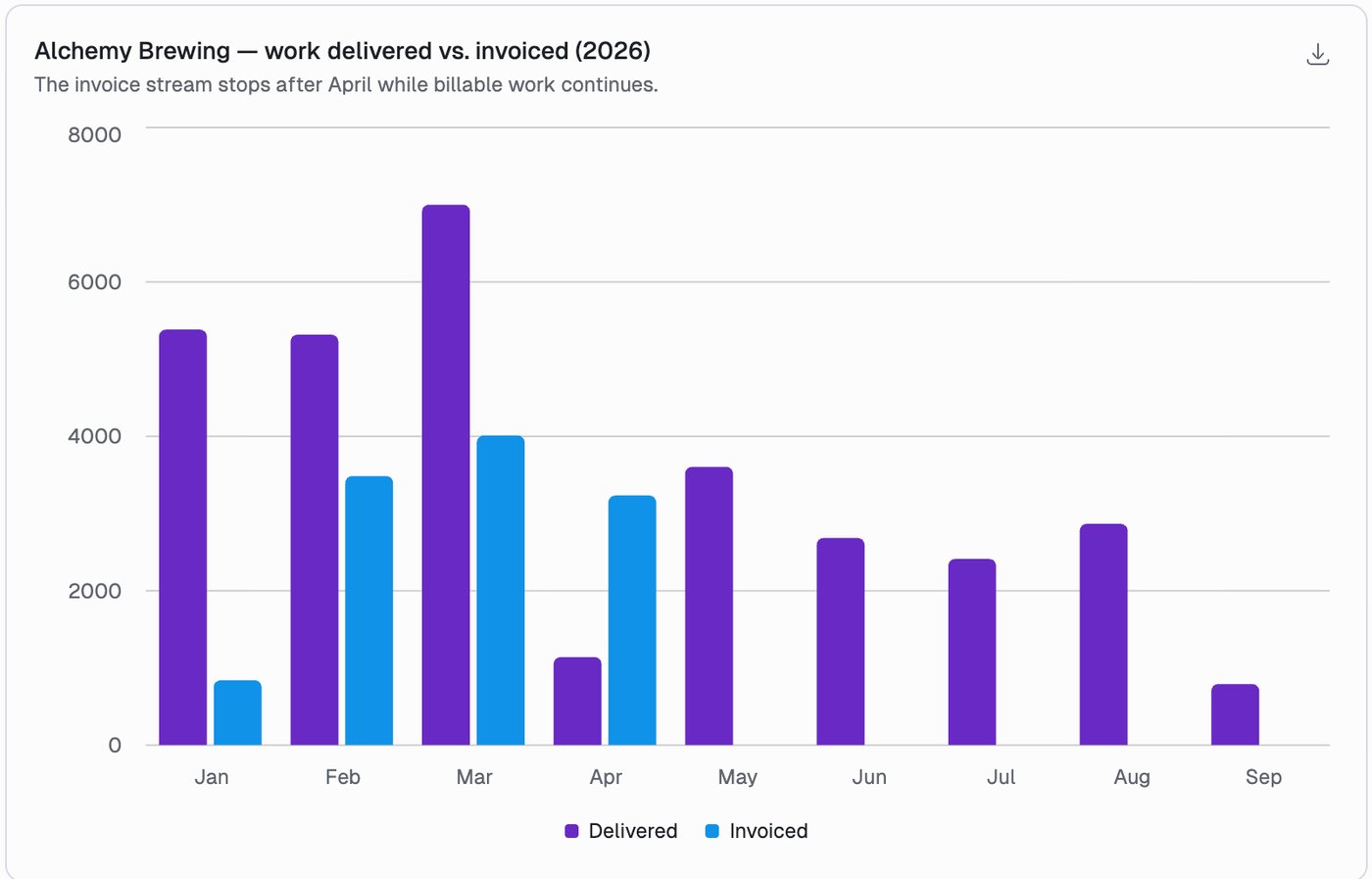
Chart types
Charts can be stacked, and use a palette suited to the data: categorical for distinct categories, sequential for ordered or intensity data, diverging for data with a meaningful midpoint.
Asking for one
Plain language works:- Show me a bar chart of billable hours by department.
- Chart our monthly revenue trend for the past year.
- Create a pie chart showing the split between billable and non-billable time.
Downloading
Any chart can be downloaded as a PNG for a deck, a report or an email.Tables
For detailed data across several columns, Answers formats results as a table. Use these when you need the exact numbers rather than the shape of them.- List our top 10 clients by revenue.
- Show me a table of staff utilization rates by department.
- What are the outstanding billing amounts for each client?
Working with the data
- Download as CSV, ready for Excel or any spreadsheet.
- Copy as CSV: each table has its own copy button, which puts it on the clipboard as CSV so it pastes into Excel or Google Sheets as a real table. The Copy button under the whole response copies the answer as markdown instead.
- Ask for a spreadsheet instead. If you want formulas, multiple sheets or formatting, say so. Answers builds a real
.xlsxfile in the conversation. See Files & Threads.
Tips
- Answers deliberately avoids showing a chart and a table of the same data at once. Ask for both if you want both.
- Refine with follow-ups: “break that down by quarter”, “only the top 5”, “now show it as a line chart”.
- If the shape is wrong, just say so. Switching between a chart and a table is one sentence.