

Turning sources on and off per message
The+ menu next to the message box lists every connector available to you, with a toggle each. They all start on, and they switch back on each time a thread loads, so turning one off applies to the message you are about to send rather than being saved as a preference.
Leaving everything on is the normal way to work. Answers decides which source fits the question, and will use several at once when that is the right answer. Ask how your billable utilization compares to industry benchmarks and it queries Practice CS for your numbers and searches the web for the benchmark.
Turning one off is useful when you want to force the question at a specific source, or keep a conversation entirely inside your own data.
Accounts you connect yourself
Six third-party toolkits are self-serve. Click Add account, approve access on the vendor’s own consent screen, and it is live. The less common ones sit under Other connections.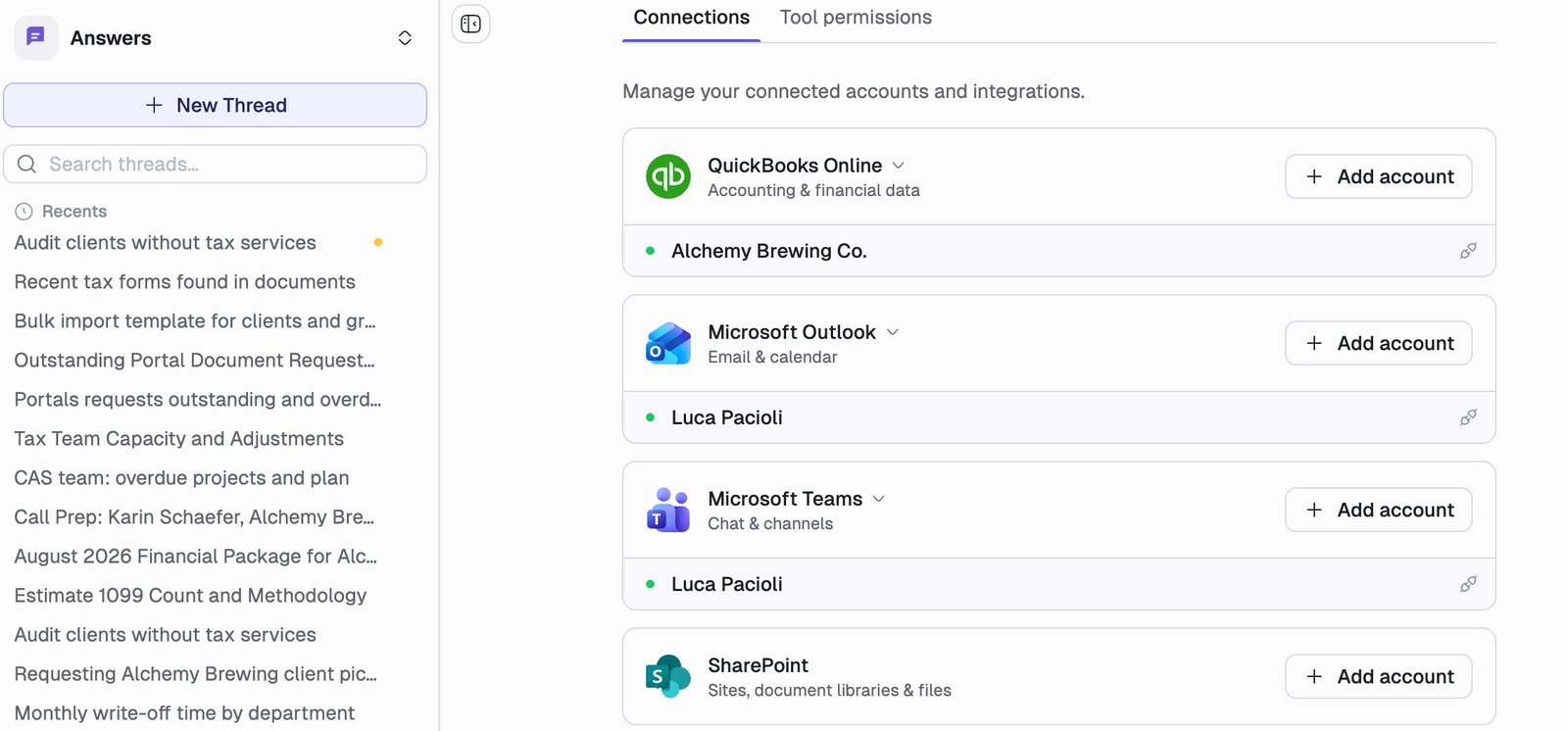
Connections Denari sets up for you
These do not appear on the Connections page, because there is nothing for you to authorize. Denari enables them for your firm, and they then show up in the+ menu like any other source.
Your Denari apps (Documents, Papers, Flows, Portals) need no connector at all. Answers gets first-party access to the Denari data you are already entitled to see.
Several accounts of the same kind
Firms routinely have more than one QuickBooks company or more than one mailbox connected. Each appears as its own named entry under its toolkit, with a search box when the list gets long. When Answers is about to act on one of them, the account it picked is named on the approval card, so you can check it is the right company before anything happens.Connection health
A connection that has stopped working is marked Needs reconnect, with the reason on hover. Remove it and add it again. If Answers tries to use a dead connection mid-conversation, it names the connection and tells you to reconnect it, rather than reporting a generic error.Web research
Answers can search the public web for things that are not in your systems: current tax law and IRS guidance, state filing requirements, regulatory changes, industry benchmarks, general research. Toggle it from the+ menu under Tools → Web Search. It is on by default.
You will see a Researching across the web section showing the steps as they happen: Searching for relevant pages, Reading the most relevant results, Evaluating and cross-referencing them. Findings come back summarized with clickable links to the originals, and a collapsible Sources section listing everything consulted.
Web research is not needed for questions about your own data, and Answers knows the difference. Leave it on.
MCP servers
MCP (Model Context Protocol) is an open standard for connecting an AI assistant to a tool. A growing number of products publish an MCP server, and if yours does, you can connect it to Answers yourself without waiting for Denari to build an integration. Add one under MCP servers on the Connections page. You supply the server’s URL, and the row then shows how many tools that server is contributing.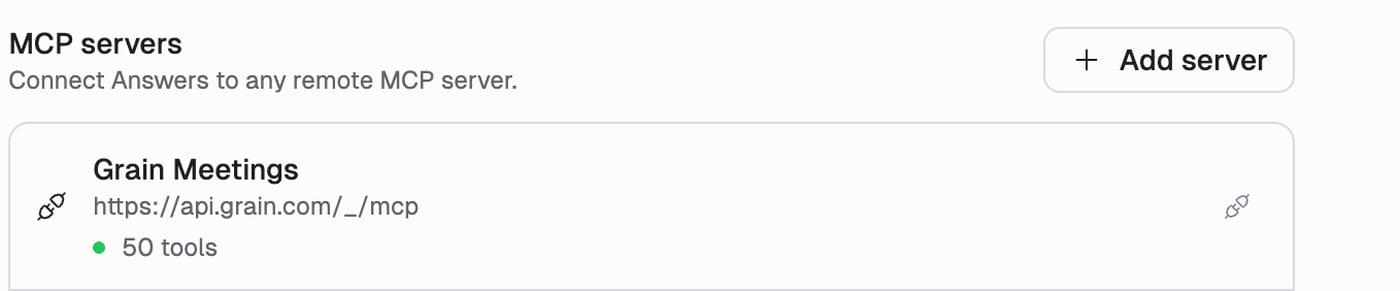
MCP connections are per user, not per firm. Connecting a server connects it for you. Firm admins can block a server for everyone, but they cannot connect one on your behalf.
When an MCP server misbehaves
If a server stops returning its tools, the row reads Tools unavailable with the error, and clears itself when the server recovers. Previously this failed silently, with the agent quietly losing that server’s tools while the page still showed it connected.What Answers does with a connection
Worth being explicit, because it is the difference between this and a dashboard. A connector does not just let Answers read. It lets Answers do the work: query the data, cross-reference it against another system, write a script to reshape it, build the spreadsheet, and draft the email that carries it. Connecting QuickBooks and Practice CS together is what makes “generate this month’s cover letter for every client on the monthly package” a single sentence instead of a morning. That is also why tool permissions exist. Read-only questions run freely. Anything that leaves the building waits for you.Next
Practice CS
The deepest of the connectors, in detail.
Tool Permissions
What Answers may do with what it can reach.