

Web app
The Denari web app is at denariapp.com. When you navigate to the login page, you are redirected to a hosted login screen powered by WorkOS AuthKit.- Enter the email address associated with your Denari account
- Complete authentication through your organization’s configured identity provider (e.g., Google, Microsoft)
If you can authenticate successfully but can’t access Denari afterwards, please contact us.
Desktop app
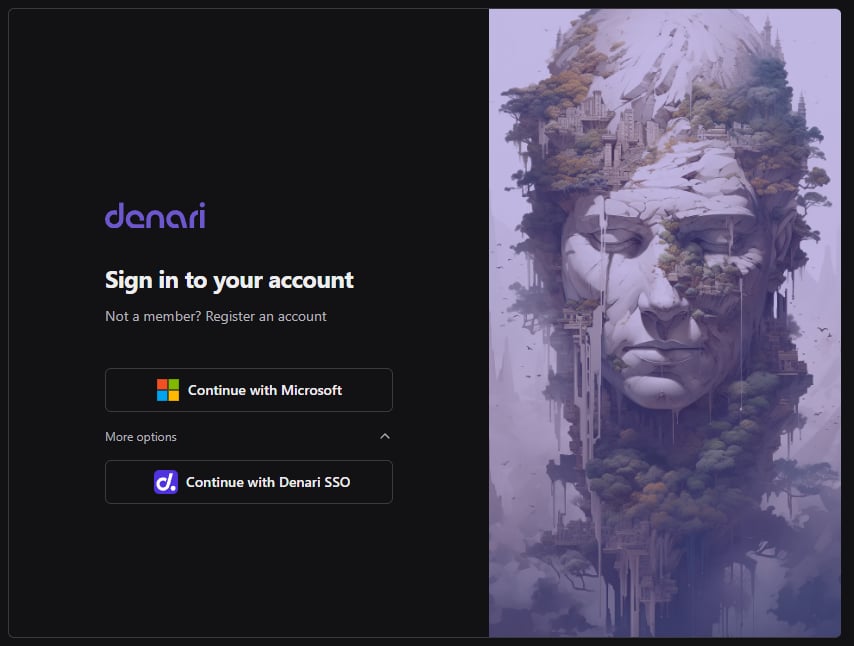
- Click Continue with Microsoft
- Log in to your Microsoft account
Denari SSO
If your organization does not use Microsoft:- Click the More options dropdown arrow
- Click Continue with Denari SSO
- Log in with the email address tied to your Denari account