

- Each entity belongs to one billing group.
- Go to Billing groups to see them all.
- Archiving a billing group keeps its invoices and charges. You can restore it anytime.
Create a billing group
Click Create billing group. You can also make one while adding a client.1
Select entities
Pick the client and the entities that belong in this group. If an entity is
already in another group, Flows warns you that it will move.
2
Billing details
The name, the firm owner, the billing email, the contact name, phone, and
remit-to address.
3
Invoice frequency
Monthly, Quarterly, or Annually.
Invoice frequency is the billing clock
The invoice frequency is set here, on the billing group. The work keeps its own schedule on each service. Each invoice gathers the work periods that end inside its billing period. See The two clocks. So to bill monthly bookkeeping every quarter, set the group to Quarterly. The quarterly invoice gathers all three months.The billing group page
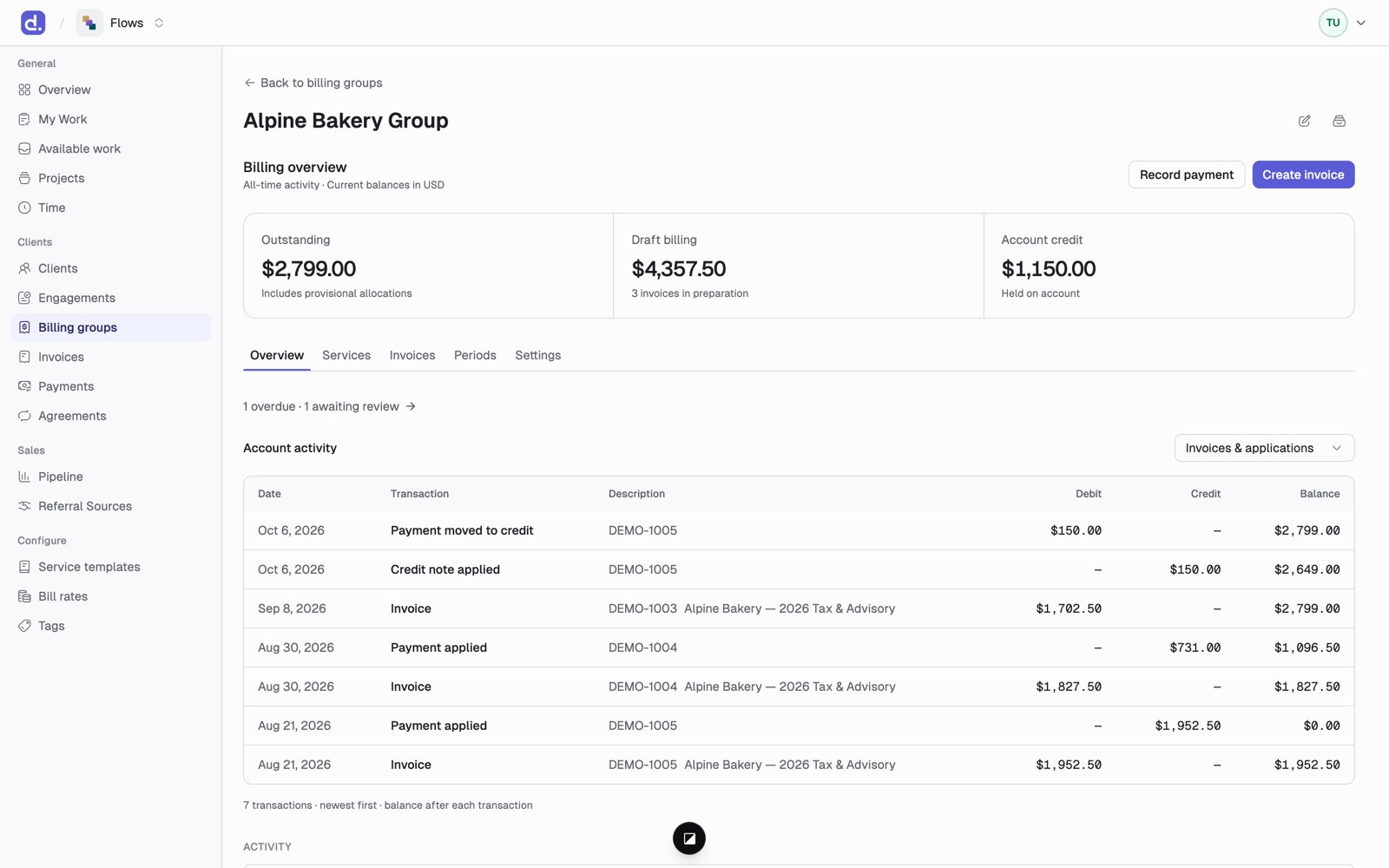
The same workspace shows up on each engagement’s Billing tab, limited to that engagement.