

The five kinds of billing arrangement
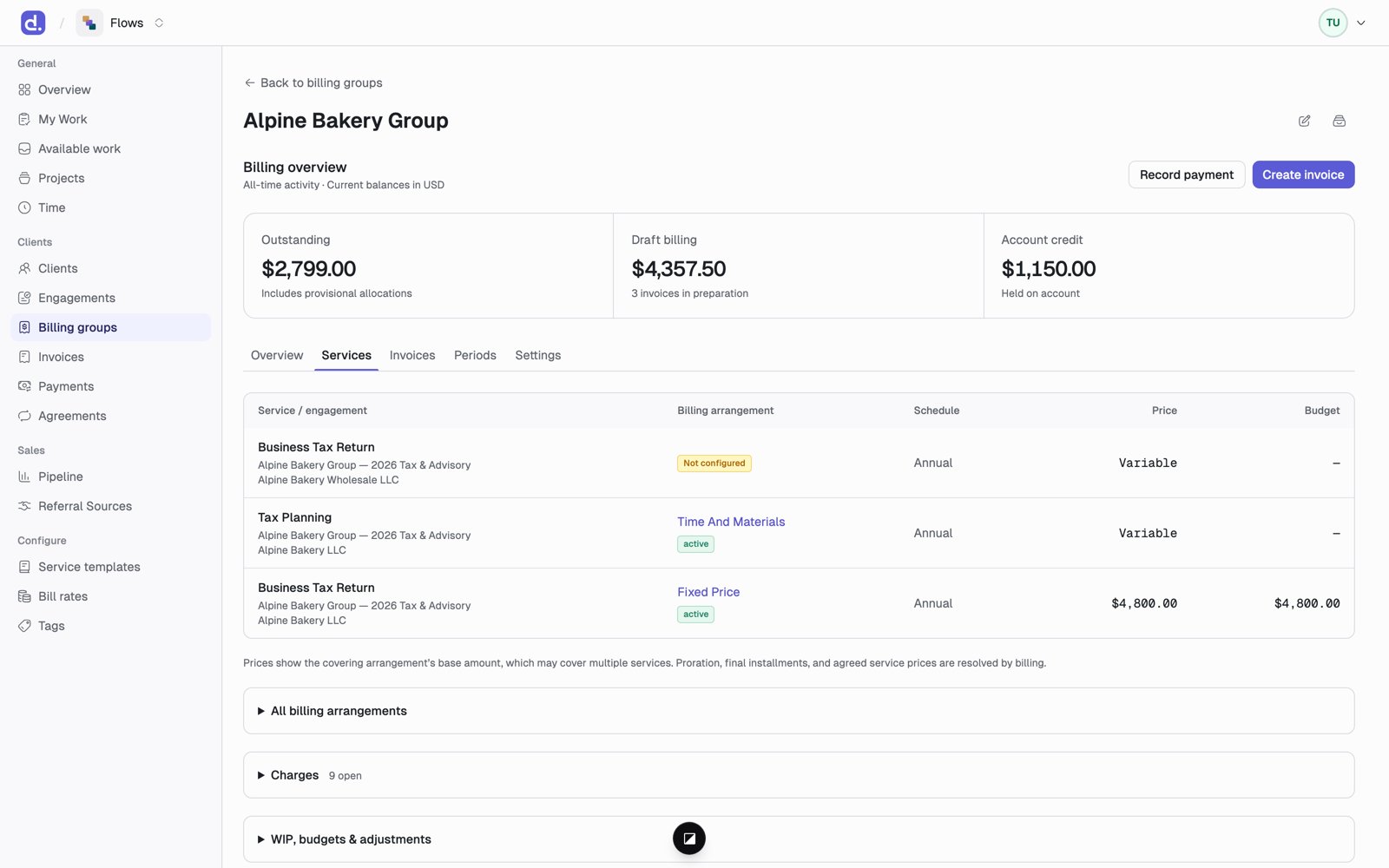
Fixed price and time & materials bill through the work: the charge shows up when that project’s work is billed. Payment plans, subscriptions, and retainers are recurring agreements: they make their own scheduled charges.
When you need a recurring agreement
Use a recurring agreement when the amount follows its own schedule, like twelve equal payments on an audit fee. The service keeps its own price, and its work is still tracked at that price; the agreement is what gets invoiced instead. For a charge with no project, such as a monthly software fee, add a subscription for that one service and mark it only a fee. It shows up on the invoice every period without making any project work. A subscription can only be marked this way if it bills its service instead of the service’s work.Set up a recurring agreement
Set these in the engagement wizard, or under Agreements.
Agreement statuses are Draft, Active, Paused, Past due, Completed, Canceled. Past due means payment attempts ran out; it does not cancel the agreement.
A service that one schedule already bills instead of its work can be picked up by a second schedule that bills on top of it. The second one can’t take its place: instead of its work is turned off for a service that’s already covered that way, so a service never ends up with two standing charges.
Agreements made in the engagement wizard go live when the engagement is activated. For something that covers several engagements, such as a client-wide retainer, use Agreements → New recurring agreement.
Scope: stopping double billing
When two arrangements could bill the same work, the scope decides which one wins.
Flows won’t let you set up two exclusive arrangements for the same work over the same dates.
A service added later
A service added to an engagement after it was created needs its own billing. Set up billing opens right after you add it, and the service shows Set up billing on its row until it’s done.- Choose Fixed price or Time & materials. It starts from the template’s price; a custom service starts blank.
- It covers that one service, starting on the service’s start date. If an earlier arrangement covered the service and has since ended, the new one starts the day after that coverage ran out, and the dialog says so.
- On an active engagement it takes effect right away, and the service’s projects that aren’t on an invoice yet are priced from it.
The agreed price
Each service has an Agreed pricing card on its Billing tab. Click Set price the first time, then Change price after that. Services priced when the engagement was created, or with Set up billing, already have a price, so they show Change price. The price can be:- Flat fee
- Hourly. Time is billed at each person’s bill rate. A rate typed here is only an estimate; bills don’t use it.
- Flat + hourly. A flat fee that covers some hours, then an hourly rate after that.
- Recurring charge
You can record a flat + hourly price, but billing can’t bill a service that
way yet. See What’s not in Flows yet.
Change a price
- Every price has an Effective from date. Old prices are kept in a History list with the reason for each change.
- A project is priced as of the first day of its period. A new price reaches projects whose period starts on or after the effective date.
- Projects whose period already started keep their old price. Flows warns you about this when you change a price. To include one of those periods, set the effective date on or before the day it starts.
Bill rates
Hourly work is billed at each person’s bill rate. Admins set rates under Configure → Bill rates.
Every change has a Starting date, and Flows shows who it changes before you save.
A time entry is valued at the person’s rate on the day the work was done. A change only reaches work dated on or after its start, and Flows refuses a change that would reprice time already logged. If the Senior rate goes from 175 starting January 1, December’s work stays at $150.
That value is also the work’s standard value, which realization compares the bill with.