

Void
- Cancels the invoice.
- Only possible if no money has been applied to it.
- Its number stays used and shows as voided. It is never reused.
Credit note
Use a credit note for an invoice that already has money against it, or when you only need to reduce part of it.1
Click Create credit note
On the issued invoice.
2
Choose the amount
Credit everything left, or enter amounts per line.
3
Give a reason
4
Click Apply credit note
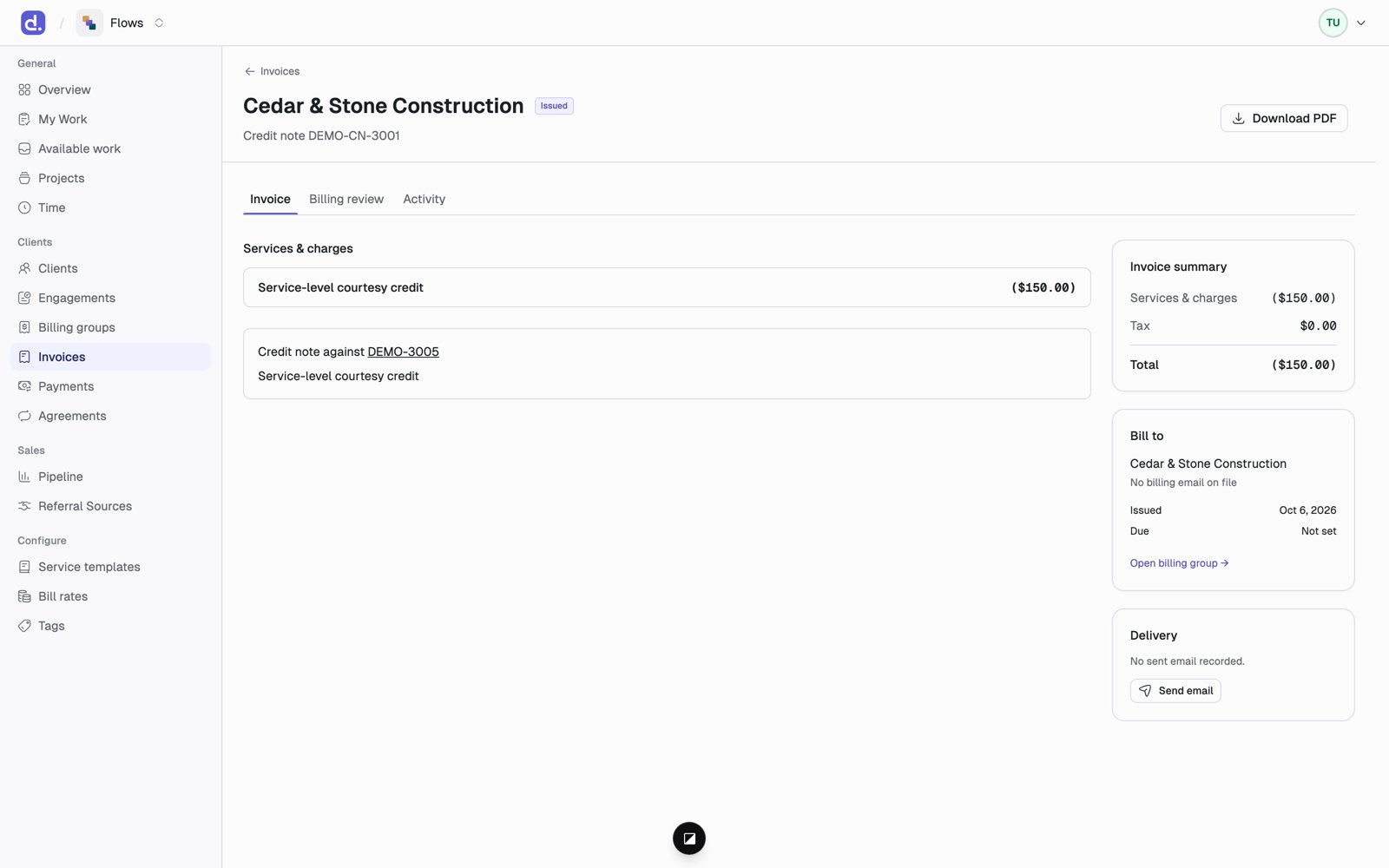
- The credit note gets its own number, such as
DEMO-CN-3001, and its own PDF. - The original invoice stays as it was. Its balance goes down.
- Once an invoice is fully credited, its status becomes Credit noted.
- Both documents link to each other.