

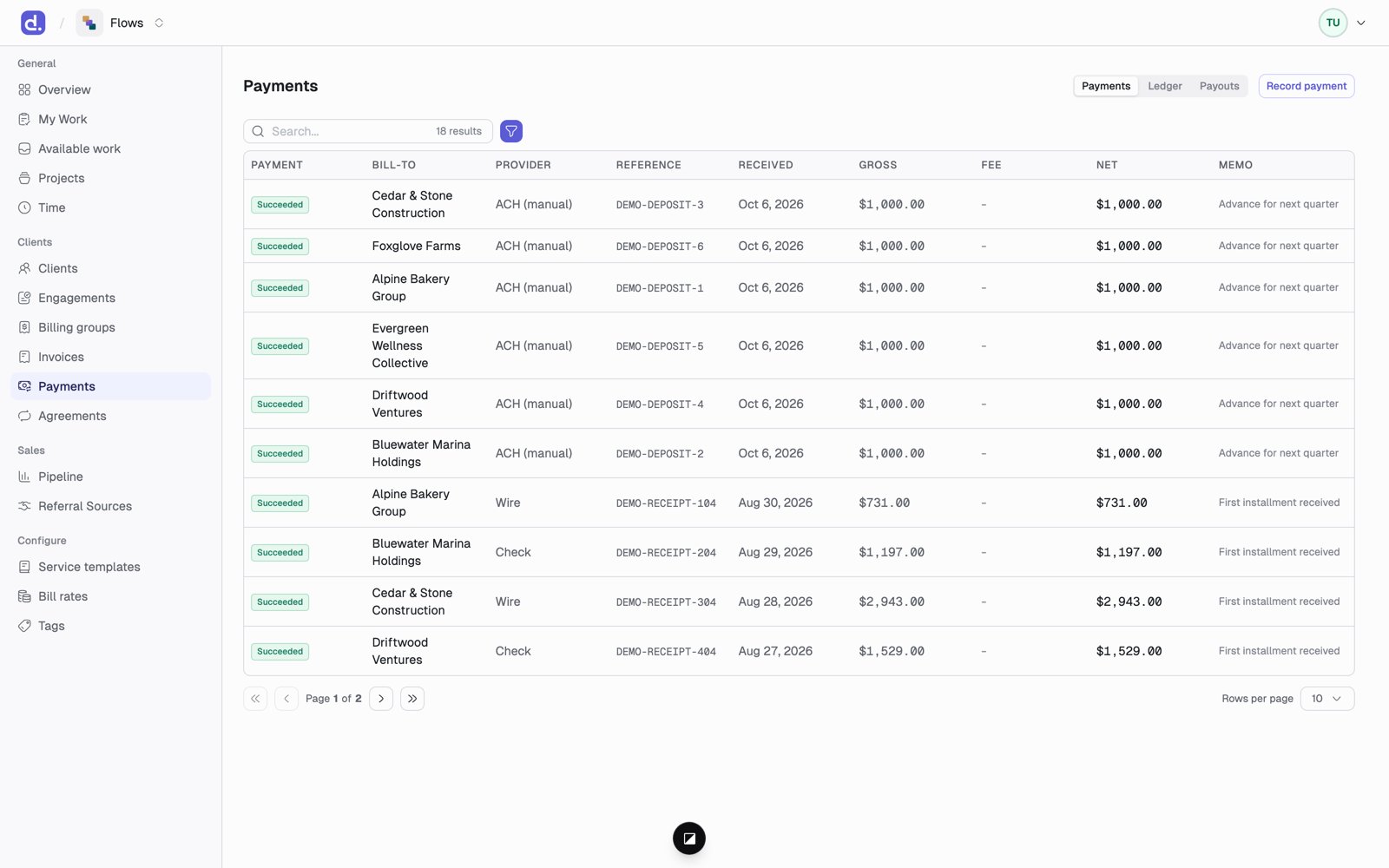
How clients pay
- Online
- Check, wire, or manual transfer
The client clicks the pay link in the invoice email and pays by card or
bank through Stripe. The payment shows up in Flows on its own.
Payment states
Succeeded and Settled are different. A bank payment can succeed and still
be returned days later.
Paying too much or too little
- Too much: the extra becomes account credit, applied to the client’s next draft on its own as a credit line.
- Too little: the invoice shows Partially paid, and the balance is what’s left.
Things to know
- Processing fees are the firm’s cost. A 290 in card fees still pays a $10,000 invoice in full.
- Reversals never erase anything. A reversed payment shows as its own entry, and the invoice balance goes back up by itself.
- Three views. The Payments page switches between Payments (every payment), Ledger (the accounting entries behind them), and Payouts (Stripe payouts matched to the payments inside them, with fee totals).