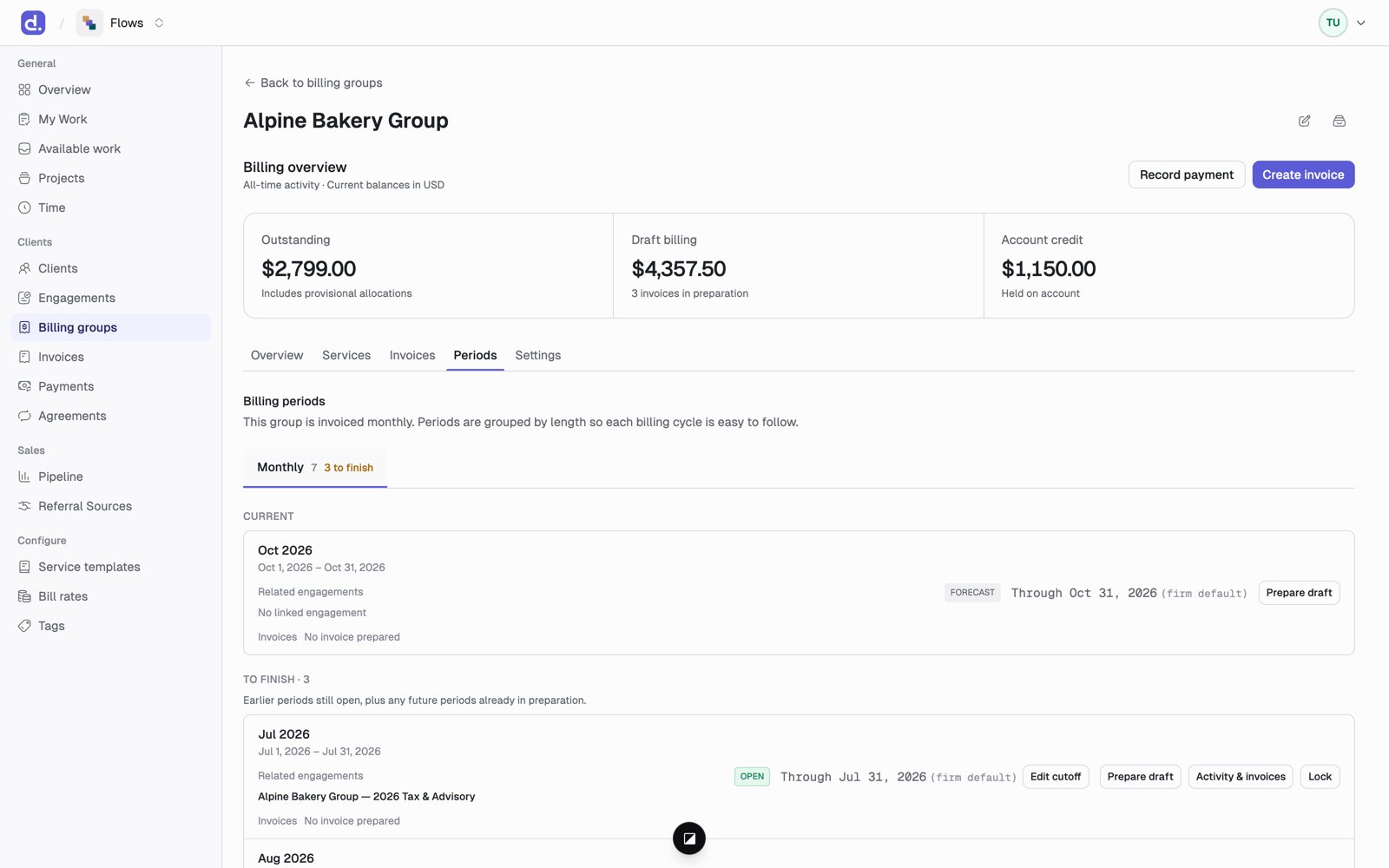
A billing period is one billing group’s billing of one stretch of time. It moves through four statuses, and it has a cutoff that decides how much work the bill includes. The shared period underneath never changes; only the billing of it does. Open a billing group and go to its Periods tab. A billing group's Periods tab, showing the current period and earlier ones still open, each with its cutoff and actions.

Billing period statuses

Upcoming periods show as Forecast.
Locking a billing period never locks the project work. People can keep working; that work just goes on a later bill.

The cutoff

The cutoff is the last day of work a bill includes. It can be earlier than the end of the period, such as bill through the 27th.
  • Click Edit cutoff to choose the firm default, the period end, or a custom date.
  • Work is judged by the date it was done, not the day it was typed in.
  • Work after the cutoff rolls to the next bill. It keeps its own period, so late-September work is still September work on October’s bill.

Period actions

Scheduled billing runs

On the Billing groups page, Scheduled billing runs lets an admin turn on automatic drafts. Set the run day, the default cutoff day, and the default WIP relief.
Drafts are never issued or sent automatically. A person always reviews and issues them.