

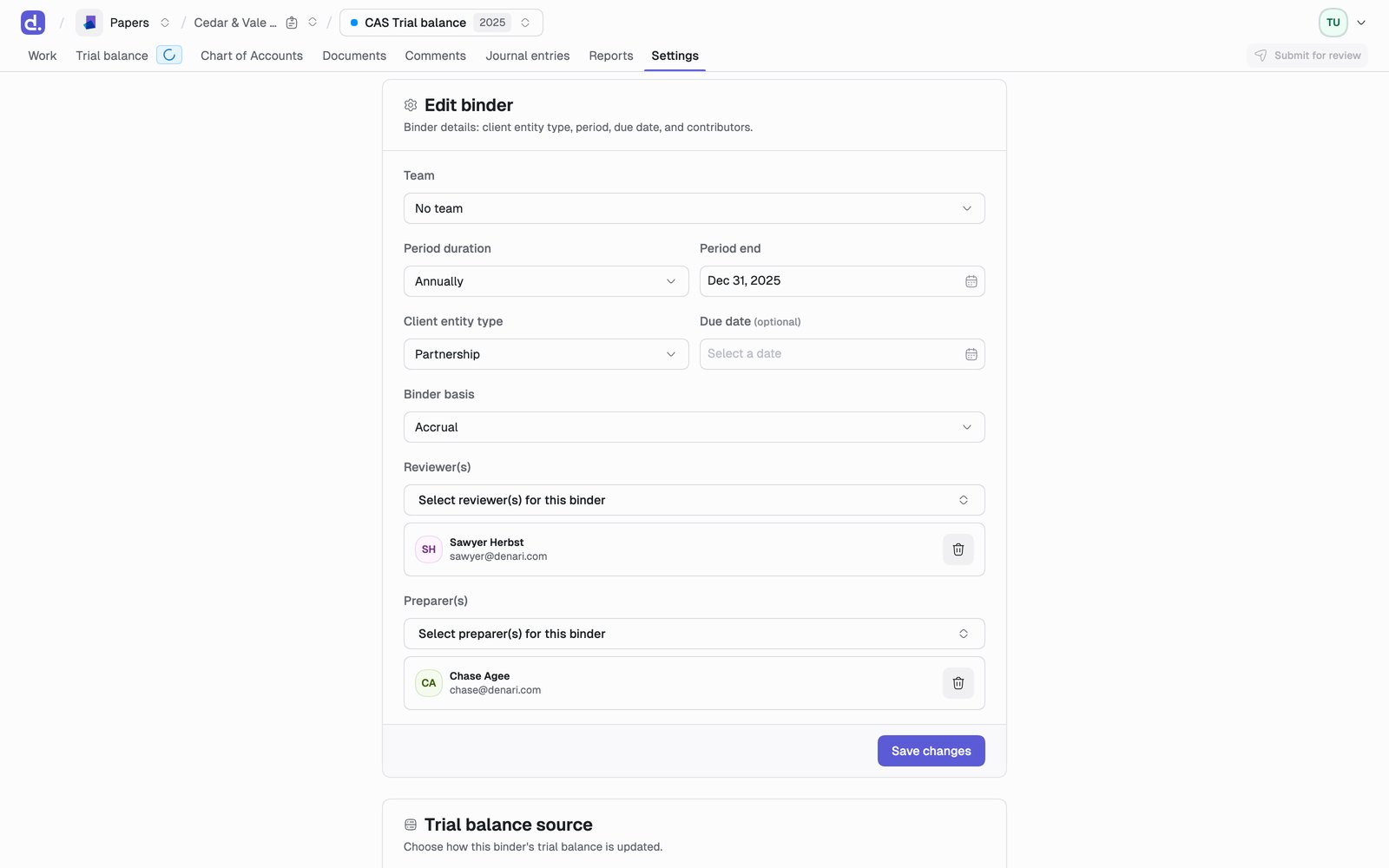
What’s here
- Period: change the period end and duration
- Contributors: add or remove reviewers and preparers
- Trial balance: update or re-import it. See The trial balance
- Exports: every export the binder can produce. See Export a binder
- Lock / delete
Contributors
Reviewers and preparers are assigned here, and the roles are load-bearing: only a preparer can submit for review, and only a reviewer can approve or reject. If you can’t submit or approve, this is usually why. Add yourself here first.Lock or delete a binder
Lock a binder once it’s complete so its numbers can’t drift after sign-off.
What locking stops
- Reconciling and un-reconciling lines
- Creating or editing journal entries
- Ignoring and un-ignoring lines
- Editing the chart of accounts
- The Settings page, apart from exports
- Editing
.xlsxfiles through SharePoint - Editing documents
What still works
- Viewing documents, the trial balance, and journal entries
- Exporting PDFs and CSVs
- Downloading documents